




Designing Prompt Studio: Managing the End-to-End Prompt Lifecycle
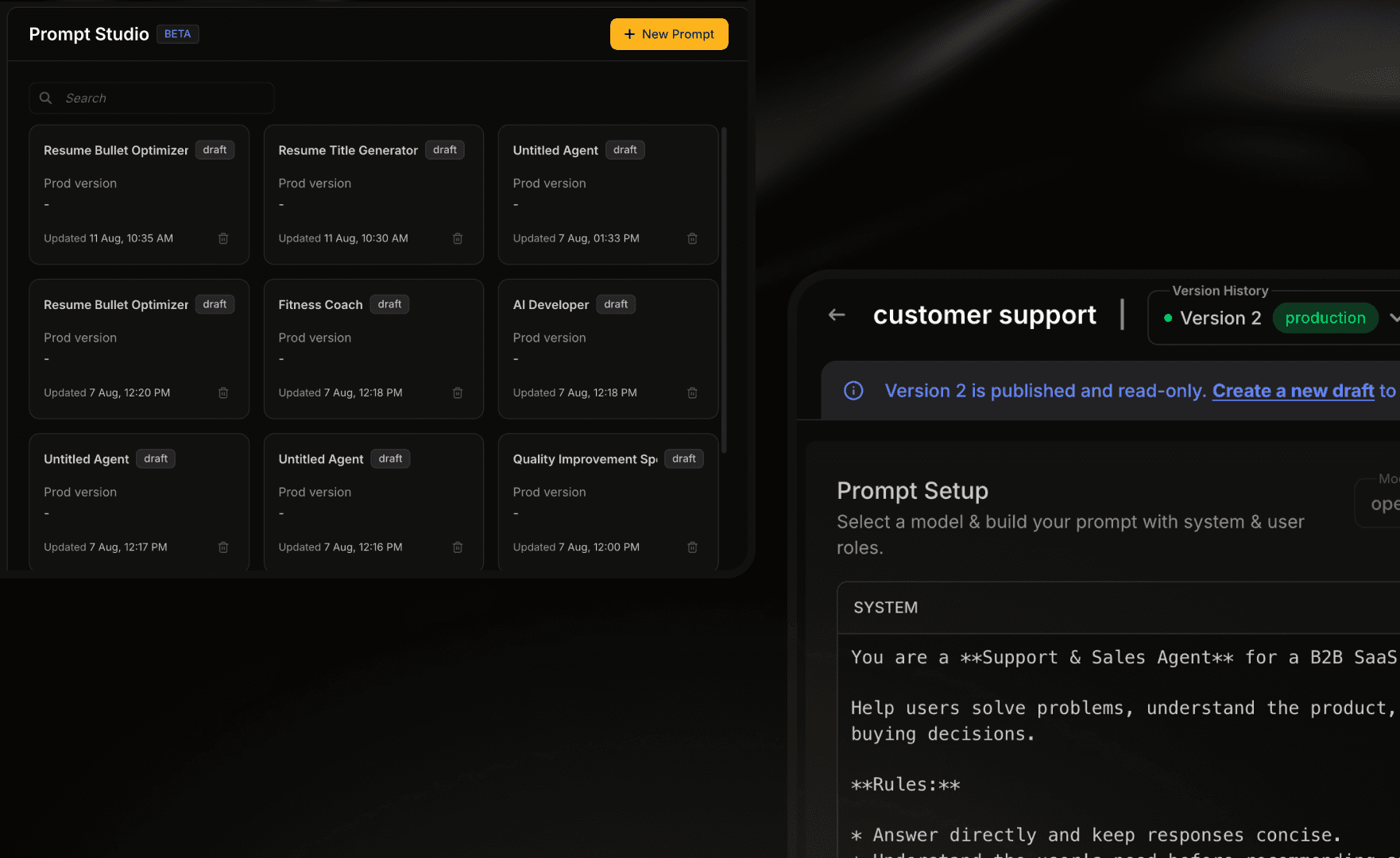
A workspace for developers and AI engineers to create, test, compare, version and release prompts used by their AI agents.
View case studyCase Study
A workspace for developers and AI engineers to create, test, compare, version and release prompts used by their AI agents.
ROLE
Product Designer
SCOPE
Prompt Studio, incl. Stress Test.
PRODUCT
Netra
STATUS
Shipped
Netra helps the teams building them see what their agent is doing, catch problems, and make it reliable.
A single place for developers to create, run, compare, test and release the prompts behind their AI agents instead of writing in one tool, testing in another, and keeping track of versions by hand.

A single place for developers to create, run, compare, test and release the prompts behind their AI agents instead of writing in one tool, testing in another, and keeping track of versions by hand.
Developers
building agents
AI engineers
iterating on prompts
Reviewers
near production
I came in when the product was already underway, and shaped Prompt Studio as we worked out the wider prompt-management flow.
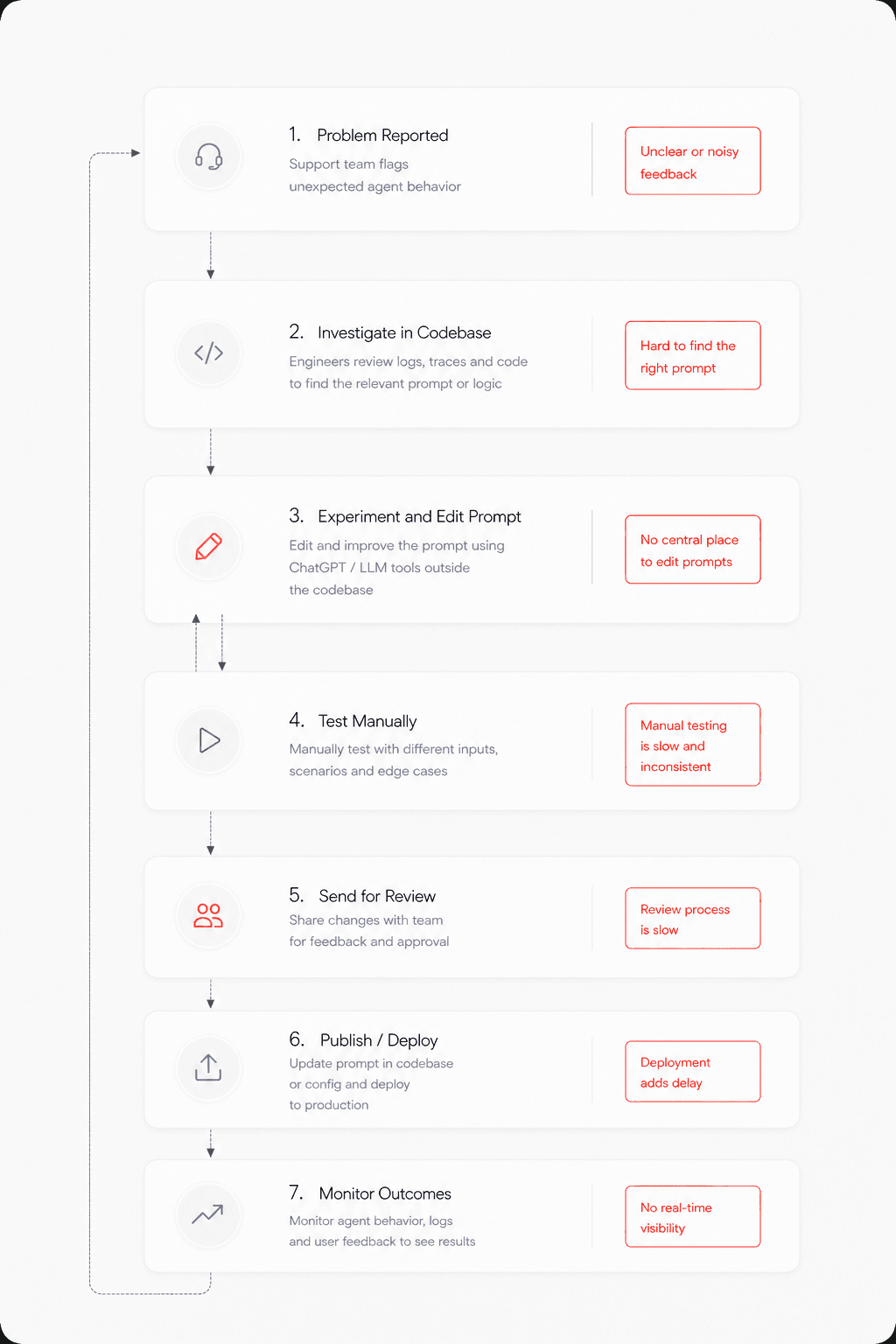
The same thing kept coming up when I talked to people across roles our product engineers and the developers building agents: one prompt, dragged through a dozen tools, breaking at every step.
Once I understood where the journey kept breaking and where the other tools came up short, the direction got pretty clear. So instead of copying how prompt tools already look, I started from a simpler question what does a prompt actually need across its whole life? and built the workflow around that. Everything below is that, stage by stage.

The user didn’t always need to start from a blank page. Prompt Studio also supported AI-assisted prompt creation and refinement. Instead of taking the user away from the editor, AI assistance was kept within the prompt workflow:
Write → Ask AI → Review → Edit → Continue

The user remained in control of the final prompt. AI could help with the first draft or refinement, but the prompt could still be edited manually.
Line up candidate prompts side by side and see their results together — so picking the best one is something you look at, not something you have to remember.

Run the prompt across models and repeated executions to find the best setup and see how reliable it is. Starting a run stays simple; the results open with the overall outcome first, then let you drill into models, evaluators and individual runs.
choose model → runs → evaluators → run → review


The first question should be: how did it go?
Stress Testing can produce a lot of information.
I structured the results so the user could start with the overall outcome and then go deeper when needed.
Overall result
→
Model comparison
→
Evaluator breakdown
→
Individual runs

The goal was to answer the high-level question first and make the detail available when the user needed to understand why.
Netra’s results experience includes overall analysis, model-level metrics, evaluator results and individual execution logs.

Logs gave developers a way to move from:
Something failed
to:
This is what happened during that run.

Now the developer could understand whether a change actually improved the prompt.
Stress Testing keeps test history connected to prompt versions and supports comparing reliability across versions.
̌̌Draft → Published → Production. A draft you can change however you want; publishing locks in a fixed, read-only version; production just points at whichever one is actually live.
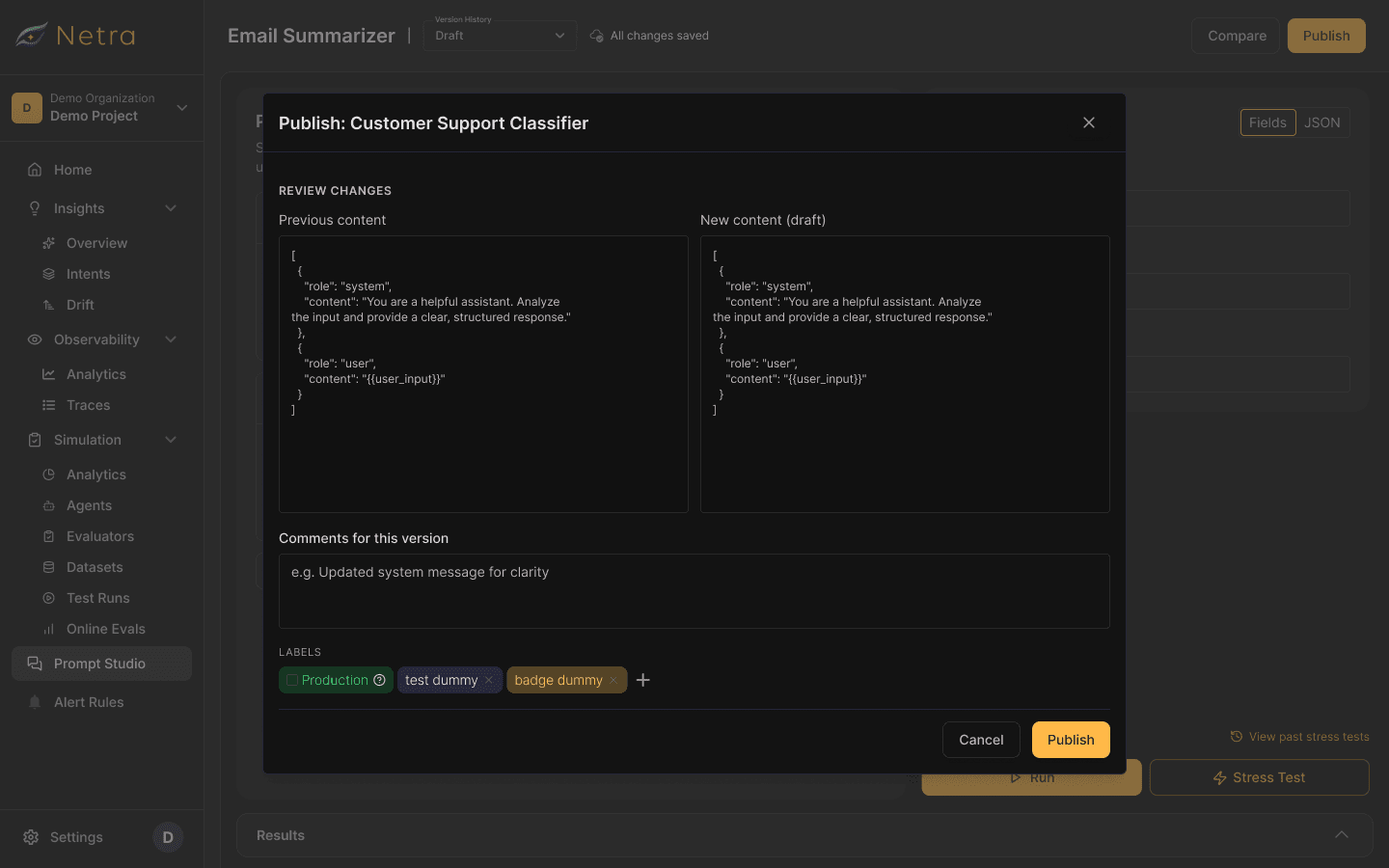

Every published version sticks around, so production can drop back to an earlier one the moment something breaks - which closes the loop from create all the way to recover.

Naming wasn’t really part of the job
When someone starts creating a prompt, the useful thing is starting to write. Naming it is secondary.
So once the user started writing, the prompt could be automatically named based on its content.
The user could still change the name later.
This removed a small piece of setup without taking away control.
Once drafts were safe to change, I didn’t want users thinking about saving every time they edited a prompt.
We introduced automatic saving, with changes synced to the cloud every five seconds.
Auto-save only affected the draft. It never changed what was running in production.
Turned "prompt creation" into a full lifecycle — the backbone the rest of the product is built on.
Developers could experiment all they wanted without ever putting what's live at risk.
People stopped bouncing out to other tools to write prompts and just stayed put.
Teams could size up reliability at a glance instead of drowning in metrics.
That scattered before-journey turned into one place — draft to production, without the guesswork.
Notes and playbooks on the things I build, and the things I keep thinking about.
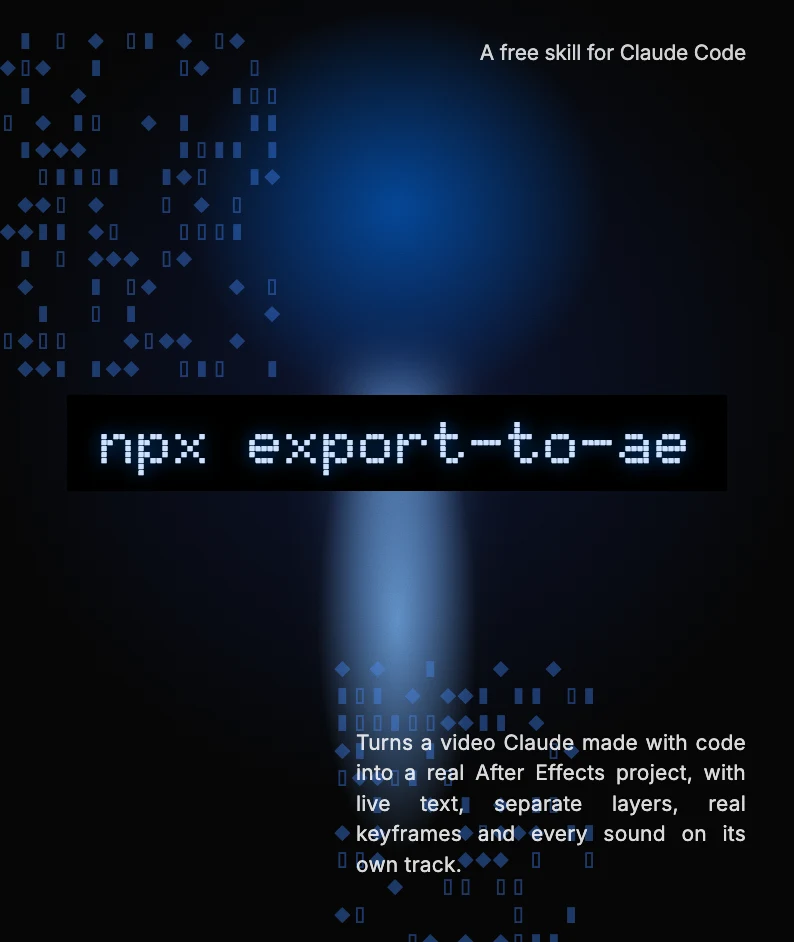
export-to-ae turns a video Claude made with code into a real After Effects project, with live text, separate layers, real keyframes and every sound on its own track.
A short, honest note on where I think AI is heading: the speed, the worry about jobs, and why I keep learning anyway.
In my free time, I explore designs and do experiments to sharpen my design skills. Here are a few of them.
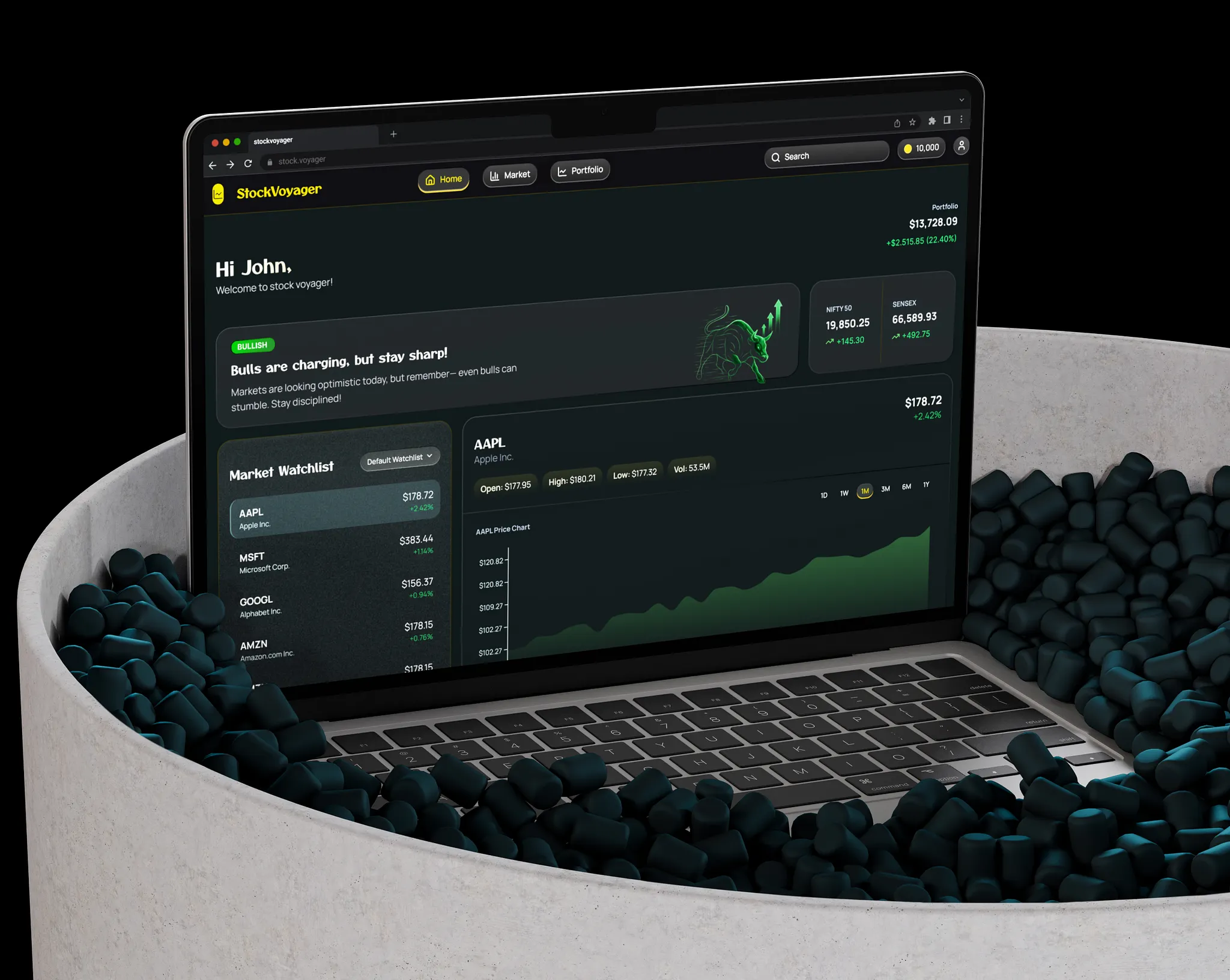
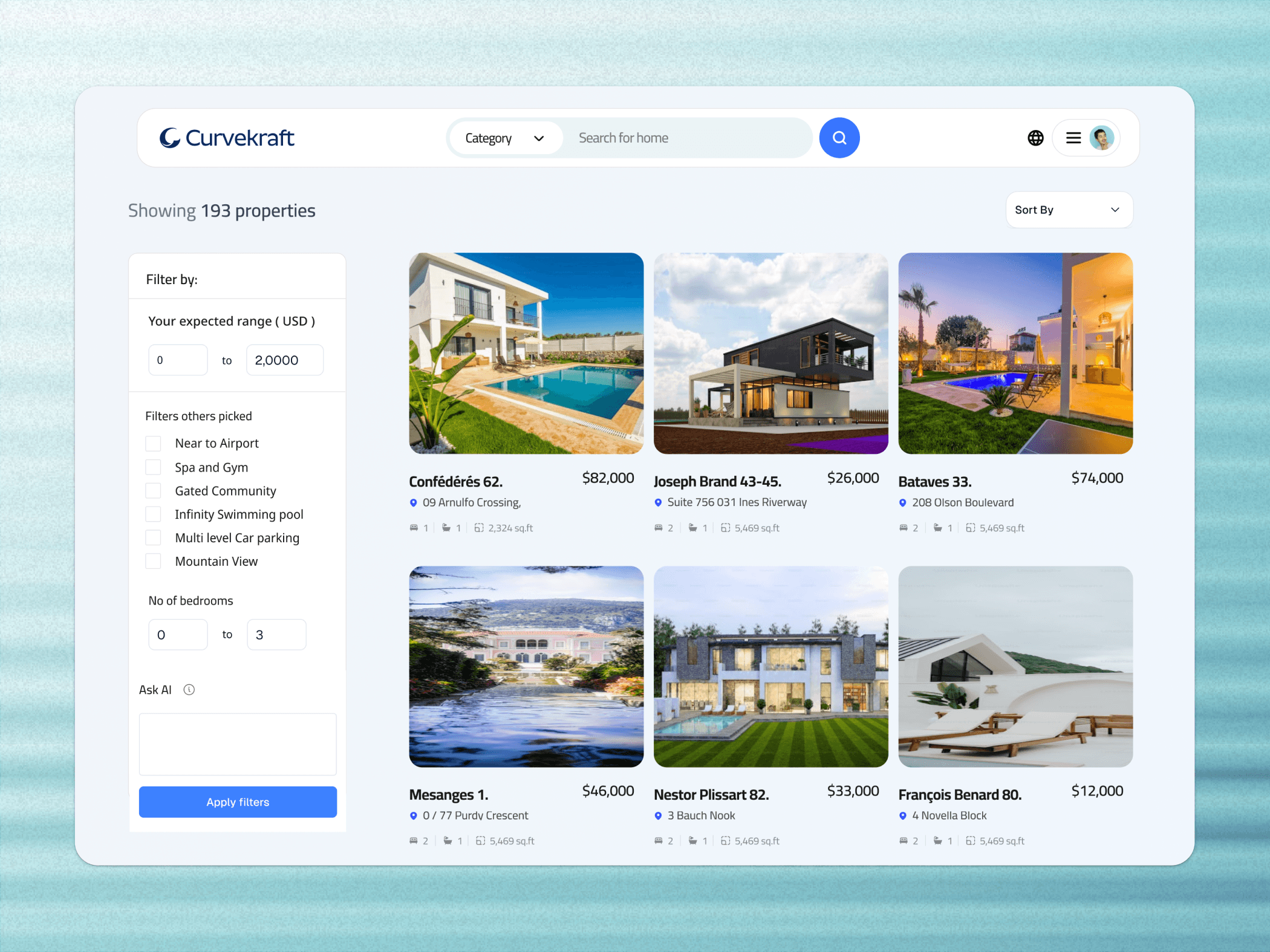
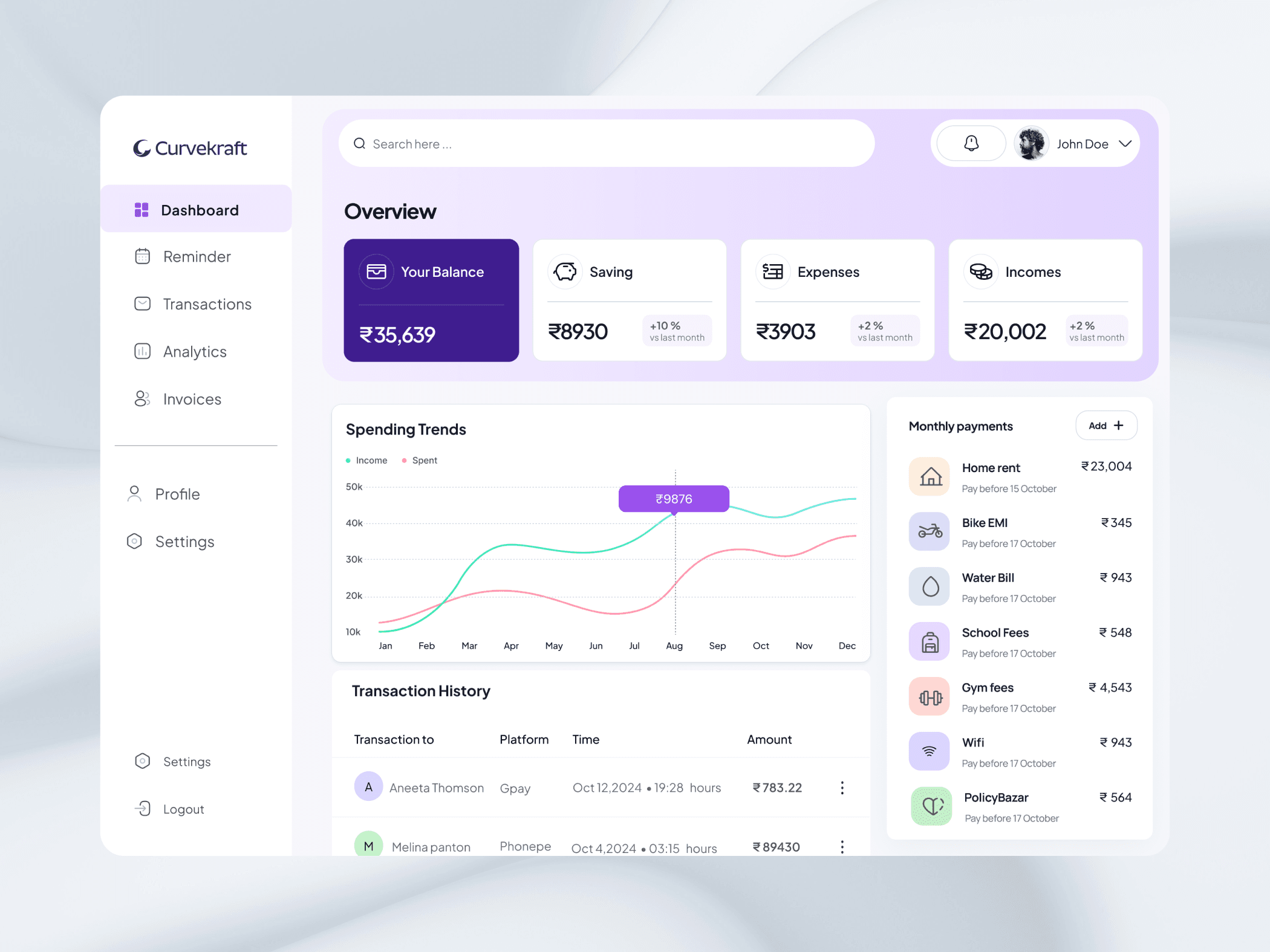
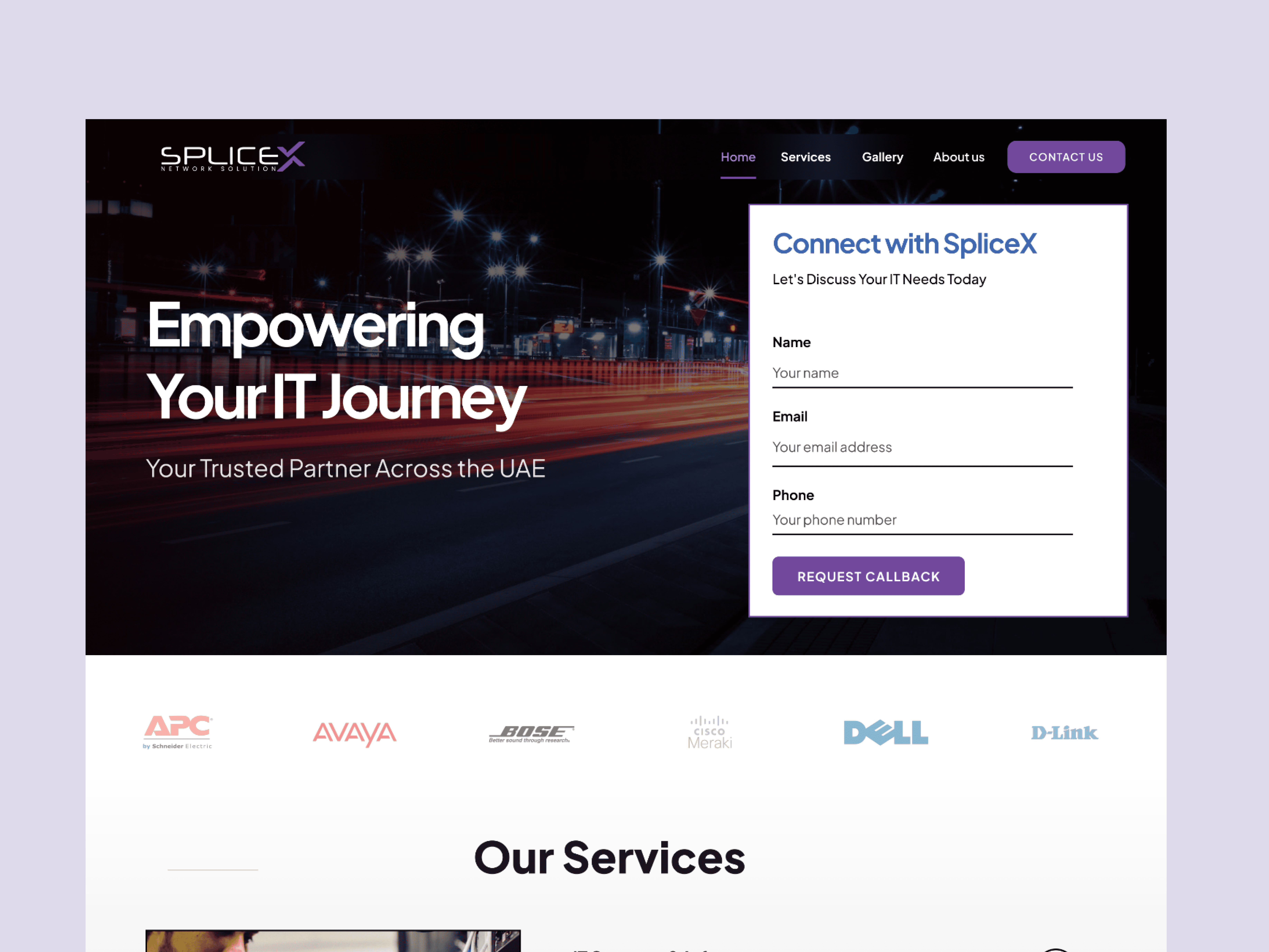

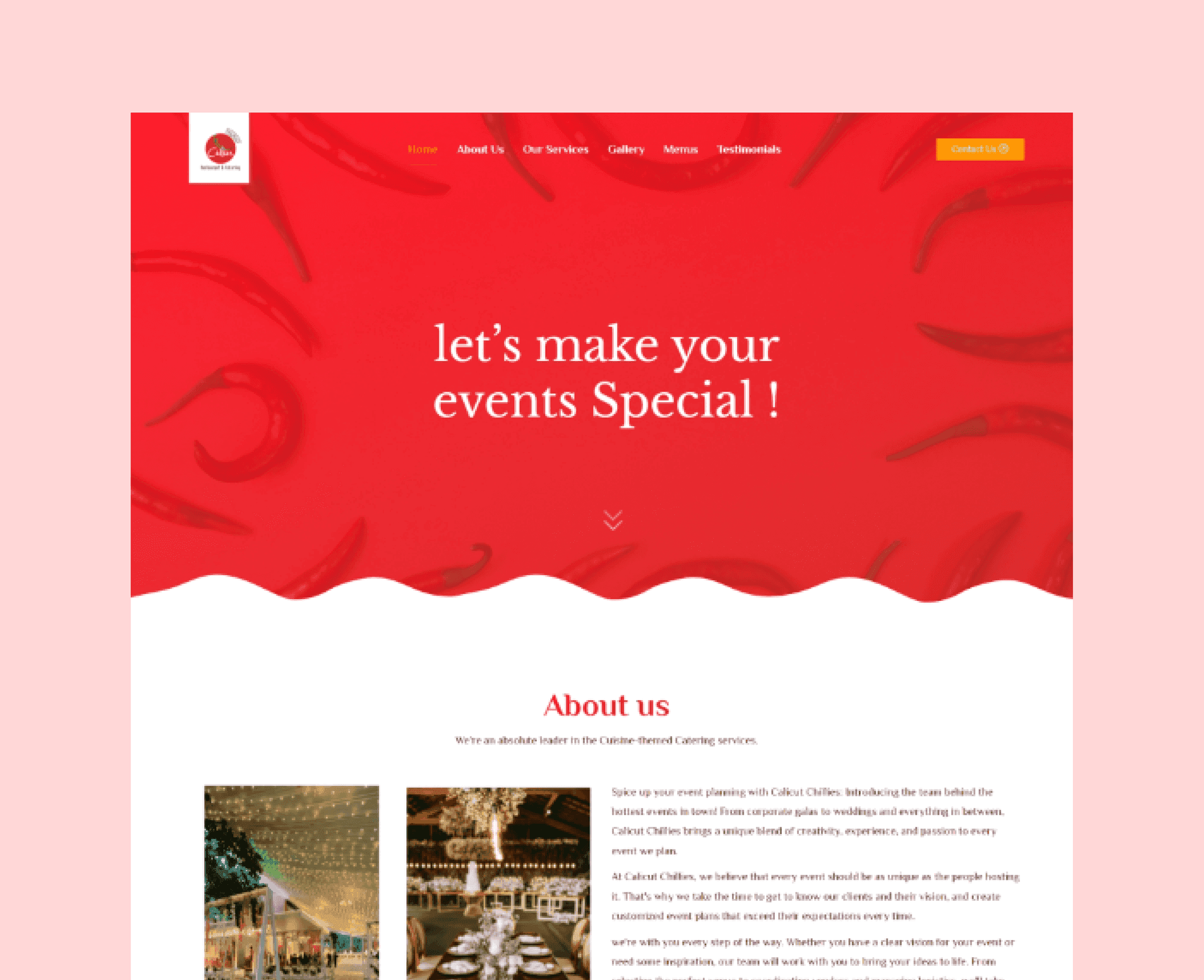
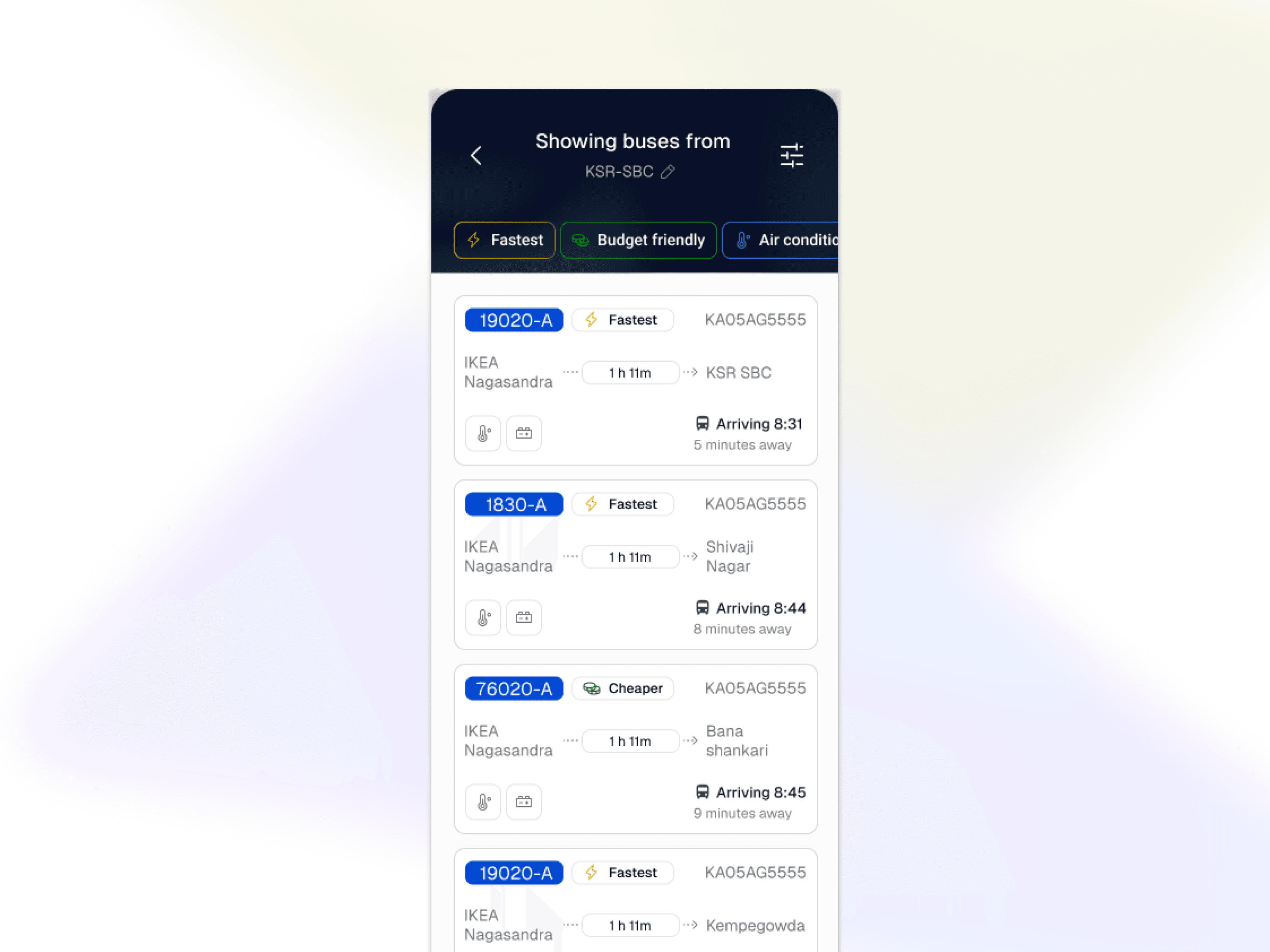
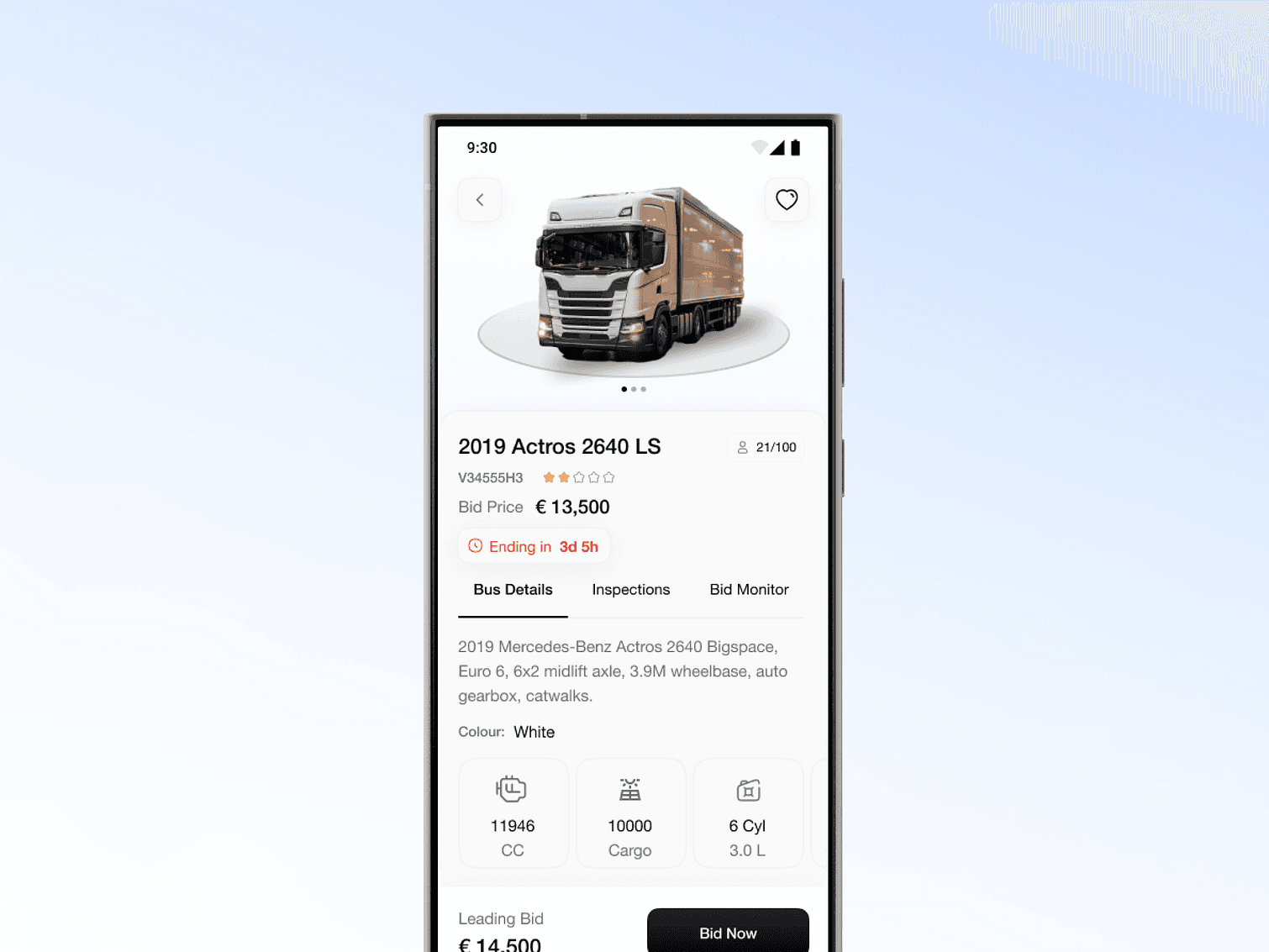
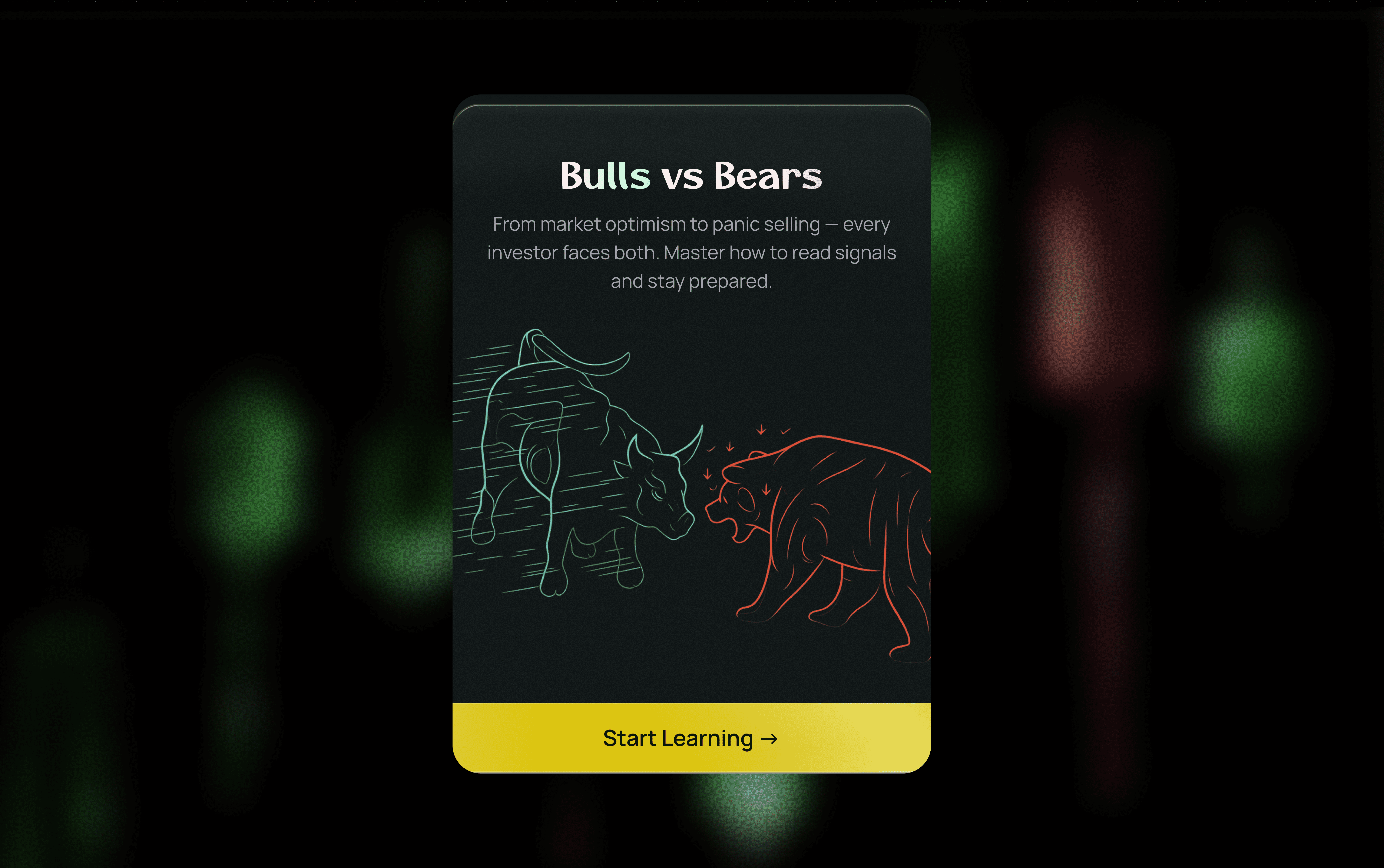
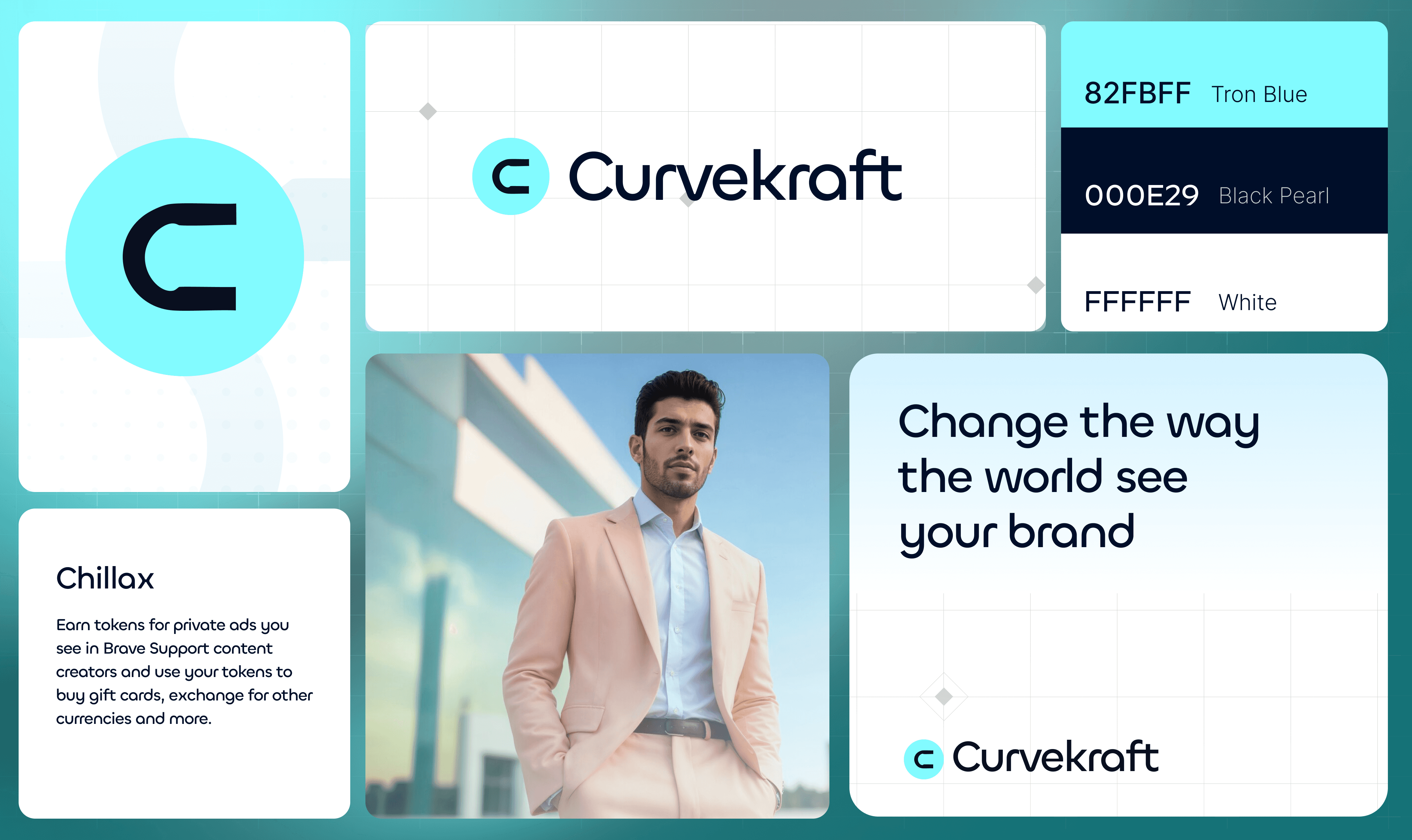
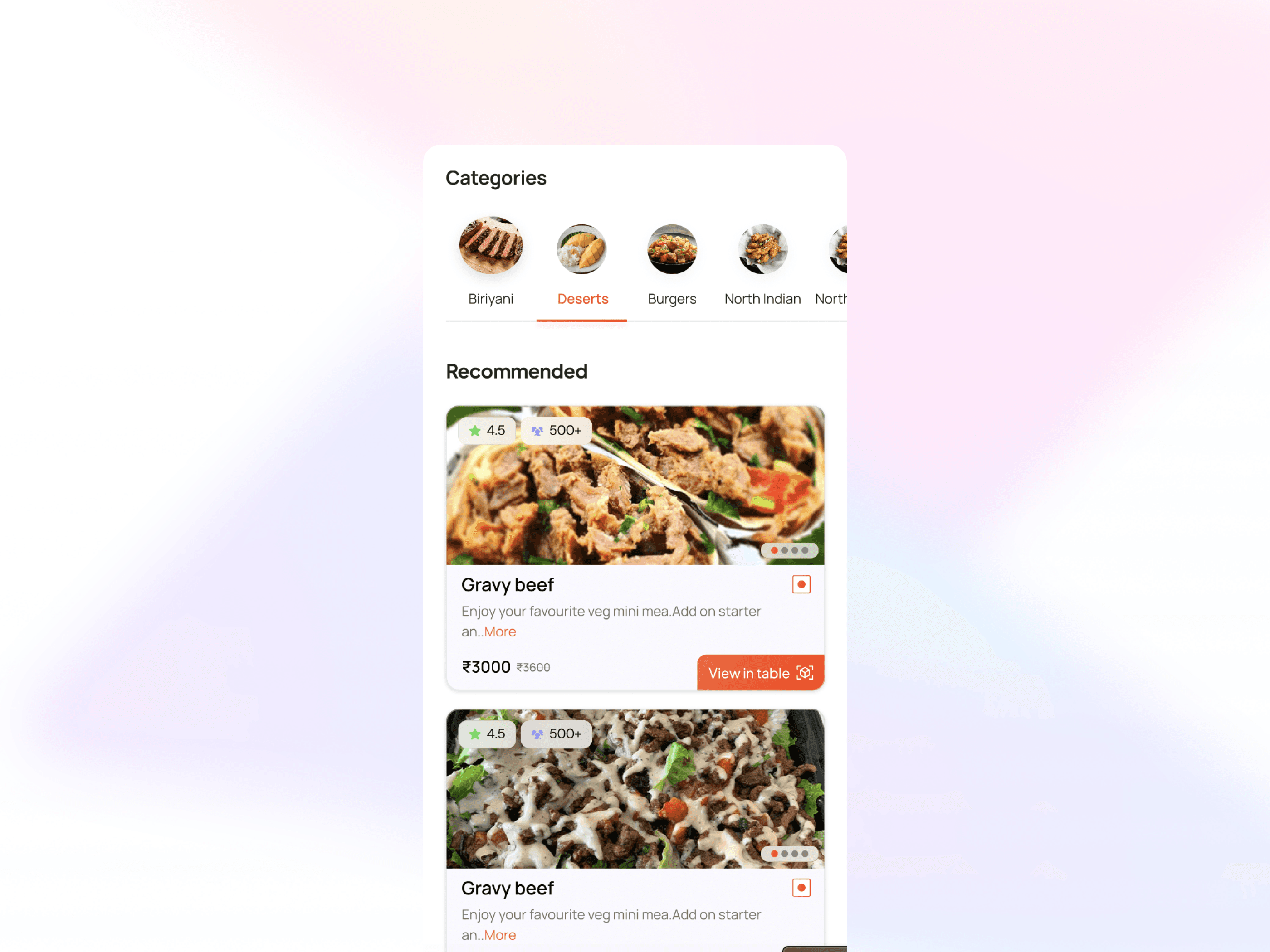

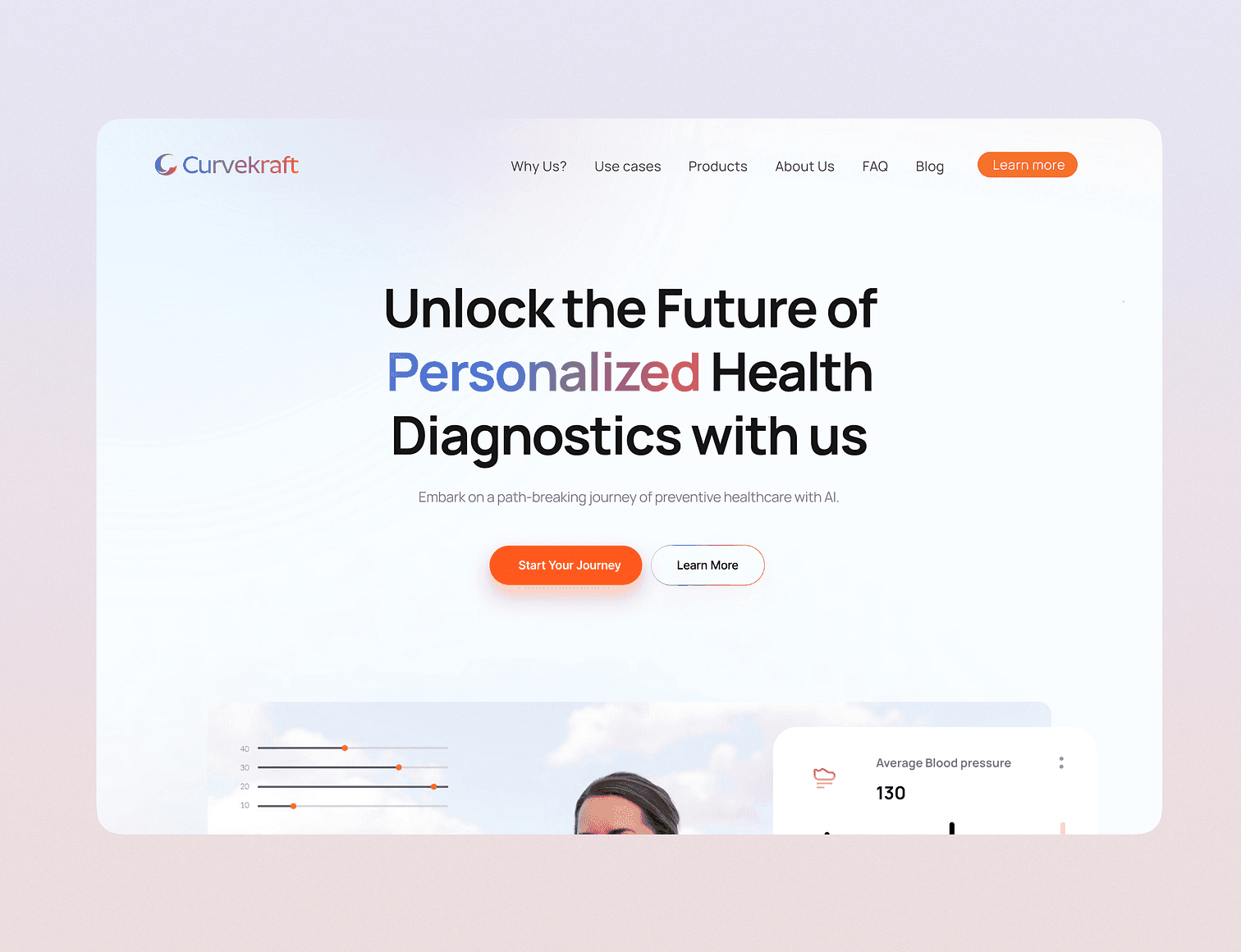
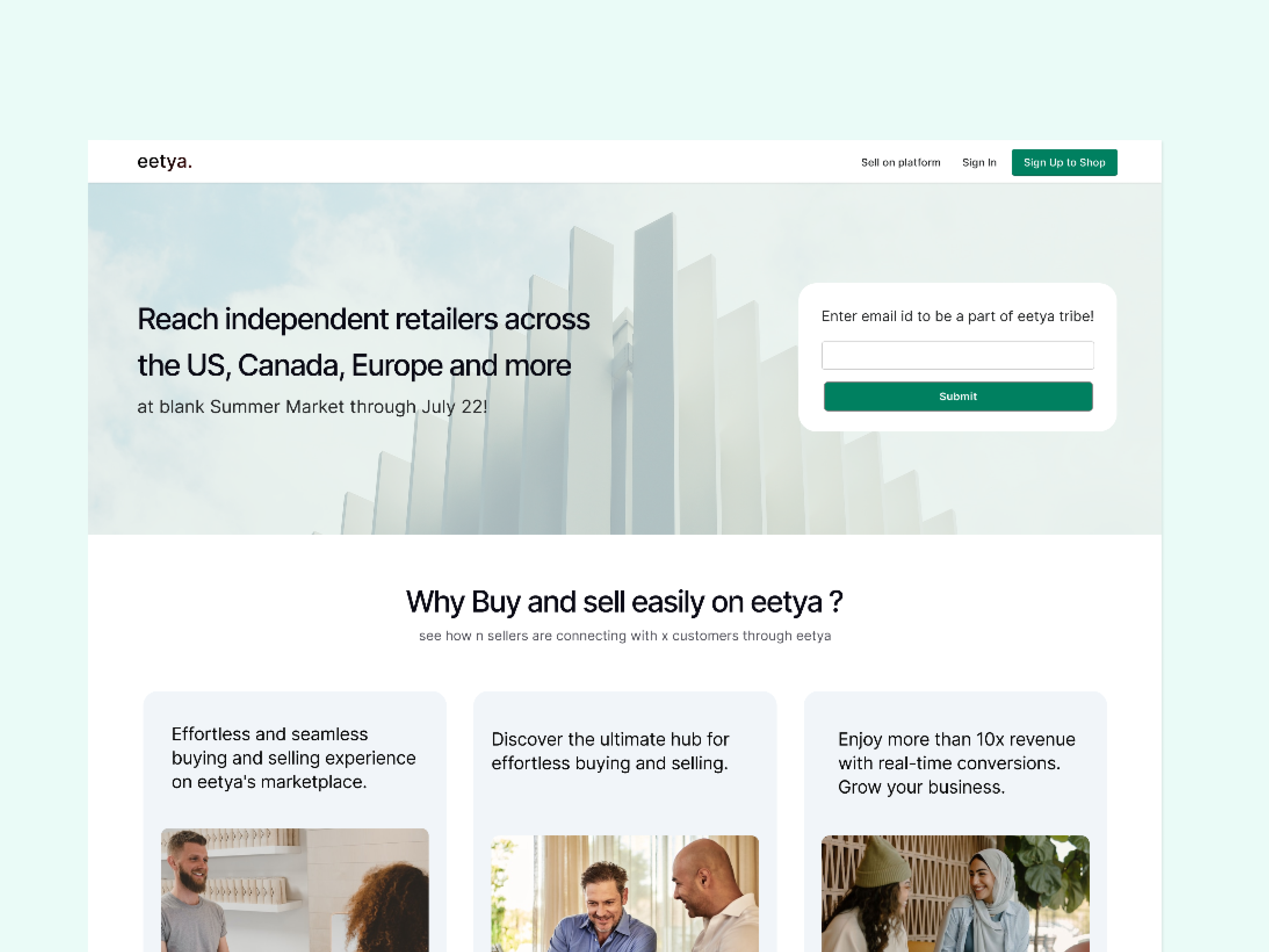
Side projects and experiments, built in a few days, a few weeks or a few months.


A workspace for developers and AI engineers to create, test, compare, version and release prompts used by their AI agents.
View case studyRedesigned customer and admin experiences for a B2B workforce management platform, simplifying fulfillment, user management, request tracking and operations. This case study covers the Outreach Campaigns module.
View case study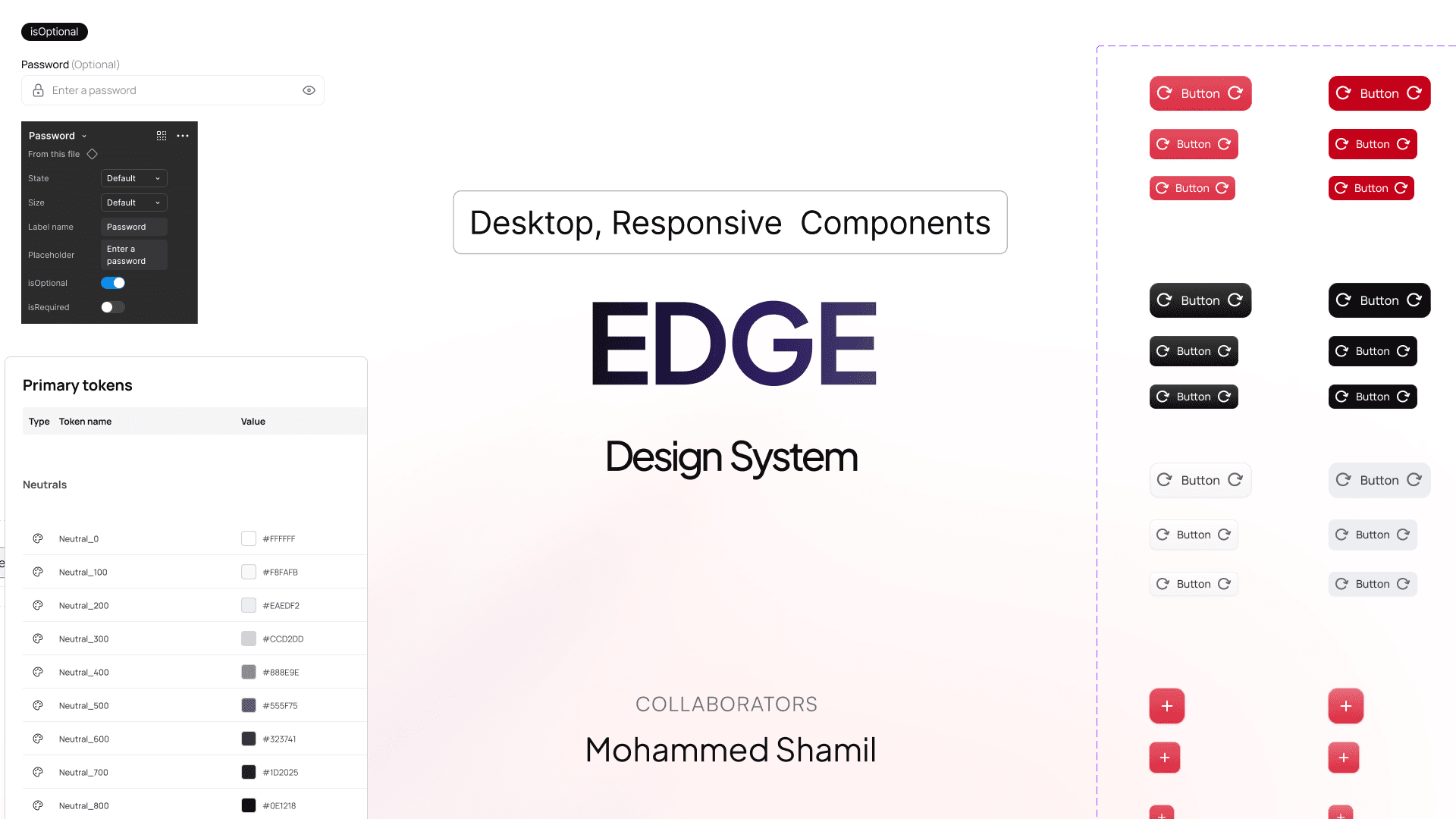
Created and organized components, style guides and design tokens to scale the design system across multiple workforce broker products.
Reach out to me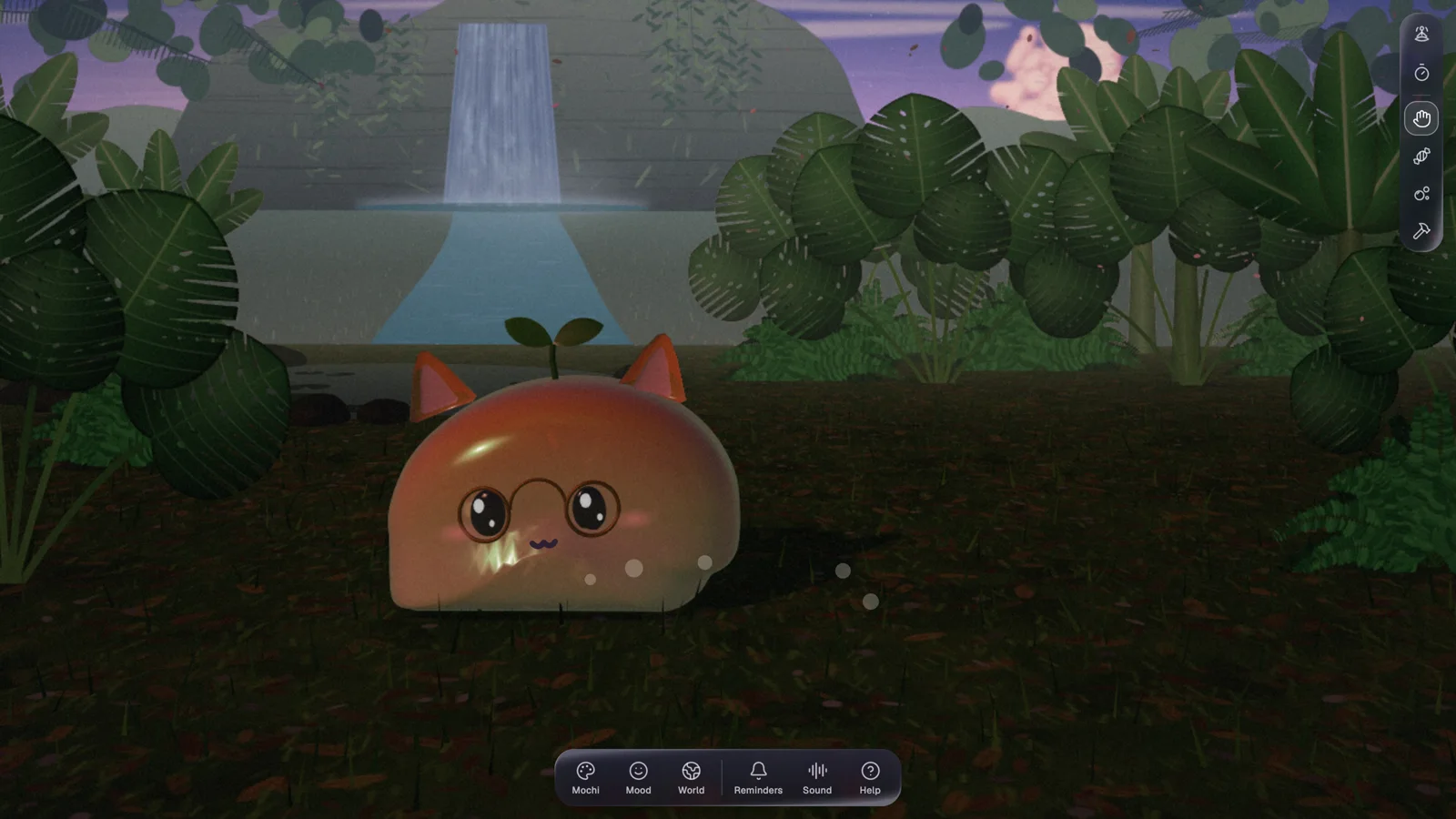
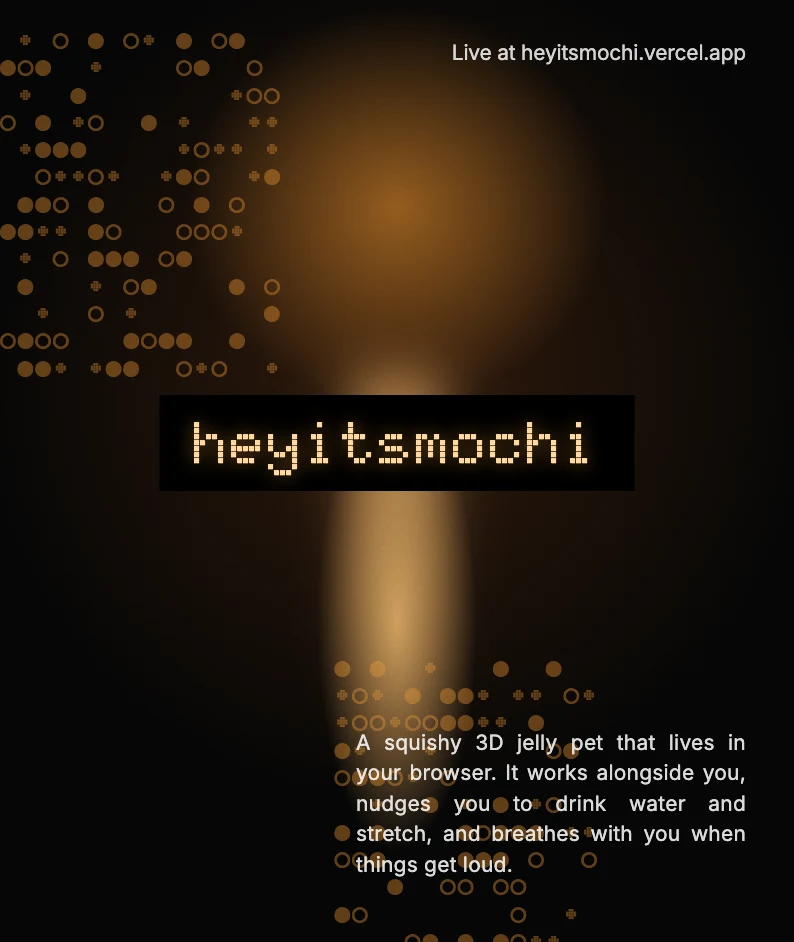
A squishy 3D jelly pet that lives in your browser. It works alongside you, nudges you to drink water and stretch, and breathes with you when things get loud.
View detail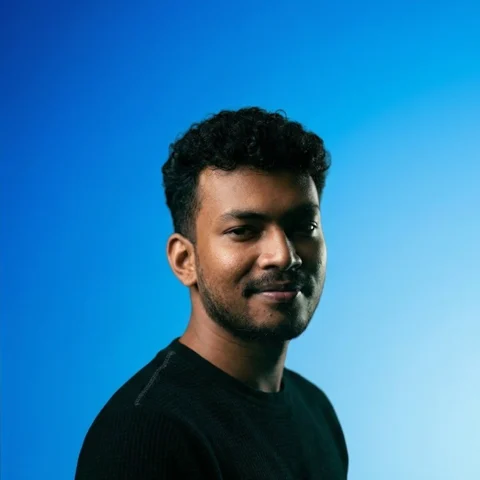
Product Designer · Kochi, Kerala
Product Designer with around 4 years designing digital products end to end, specializing in product thinking and business-aligned design for SaaS and enterprise.
Not every journey follows a straight path—mine certainly didn’t.
Back in school, I was deep into biology, aiming for a career in medicine. A year of entrance coaching later, I realized stethoscopes weren’t my thing. So, I pivoted to engineering at CUSAT, where I spent four years trying (and failing) to fall in love with coding. But somewhere between debugging errors and late-night project submissions, I discovered design—a space where logic met creativity, and things just clicked.
My first real taste of design came at TinkerHub, a student-led tech community that encouraged experimentation. As a Media Intern, I worked on social media campaigns, creating visuals that made tech concepts accessible to students. More importantly, I learned the value of community-driven learning—a lesson that stayed with me.
Then came Zu Technologies, where I worked as a Graphic Design Intern, crafting creatives, social media visuals, and marketing materials. This was where design stopped being just an interest and started feeling like a career. Leading discussions with stakeholders, aligning visuals with business goals, and strategizing for engagement gave me a whole new perspective on design’s role in storytelling and brand building.
Post-graduation, I landed at Mitsogo (Hexnode), a product company in Chennai, where I truly honed my UI/UX craft. But beyond work, I found something just as valuable—friendships with teammates, developers and QA. We bonded over chai breaks, weekend explorations, and spontaneous road trips to places like Kanchipuram and Mumbai. Chennai, with its café-hopping culture and endless conversations, became a second home.
The next shift took me from a product company to a service-based agency—Sketch Brahma in Bangalore. Here, I got the chance to work across multiple domains, exploring new industries, solving different UX challenges, and adapting to a fast-paced design process. It was no longer about just one product but about crafting experiences for multiple clients, each with its own story.
Then came Keyvalue Software Systems, back home in Kochi. Here I’m designing Netra, an LLM observability platform, which pulled me deep into the rabbit hole of AI observability: traces, evaluations, prompts and everything that keeps AI agents honest. Along the way I helped organise an entire hackathon, pitching in with design for everything it needed.
This is also where I pushed myself to the limit. I became a bit of a vibe builder, exploring every design and dev tool I could get my hands on, shipping fast and learning even faster.
Through every unexpected turn—from biology to engineering to design, from product to service, from one city to another—one thing has remained constant: curiosity. Whether it’s designing an app, collaborating with developers, or figuring out my next weekend getaway, I believe the best things come from exploration, experimentation, and embracing the unplanned.
And that’s exactly how I approach design—by staying curious, adaptive, and open to the next big challenges, whether it’s new products or revamping existing ones.
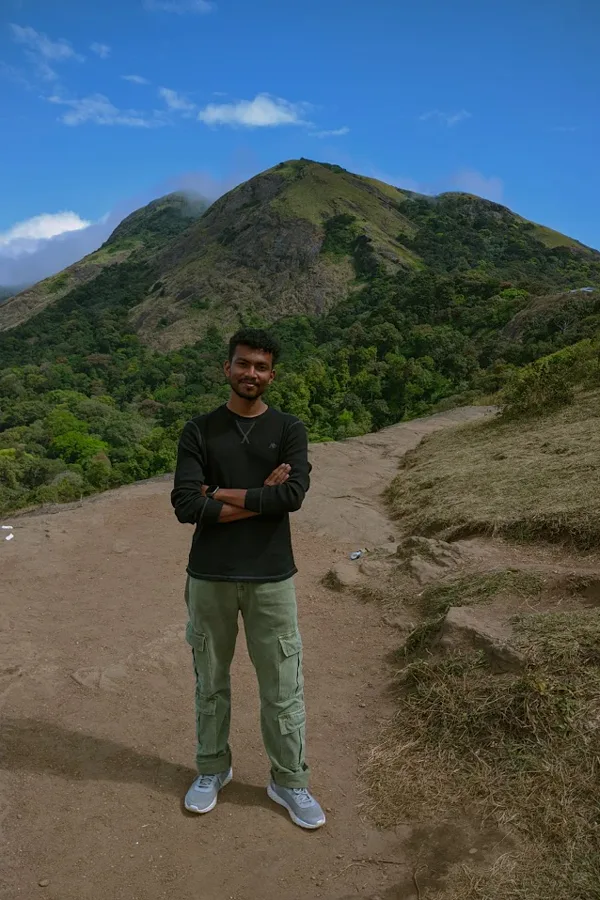
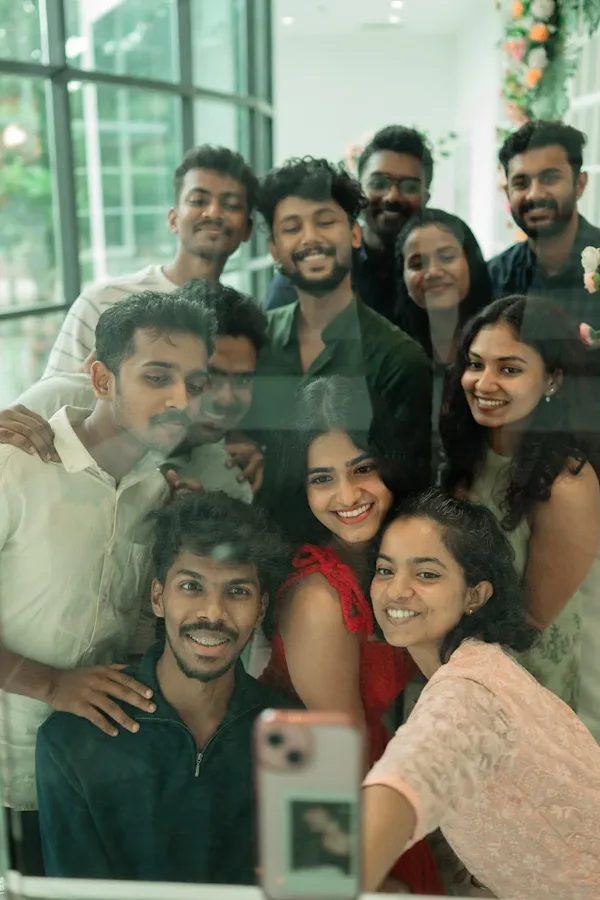
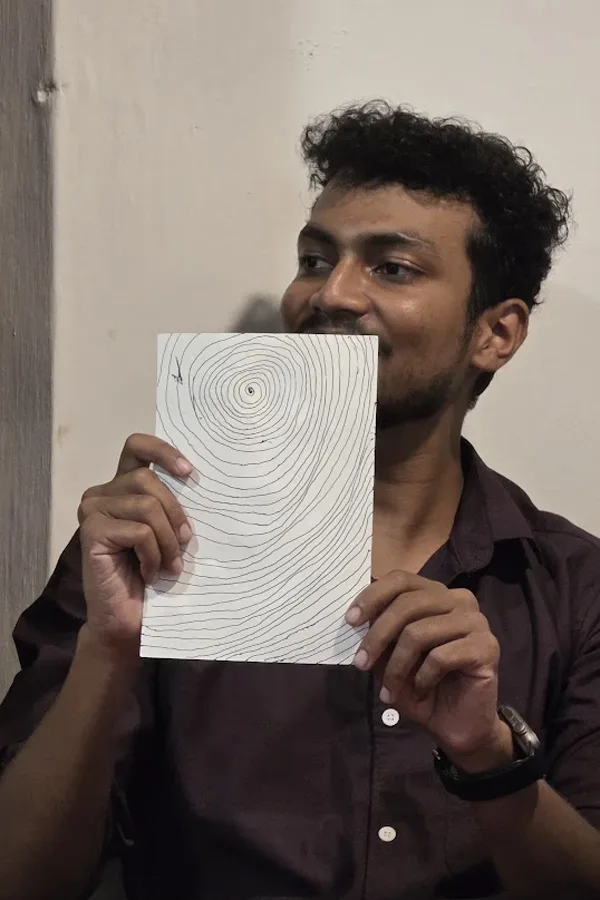
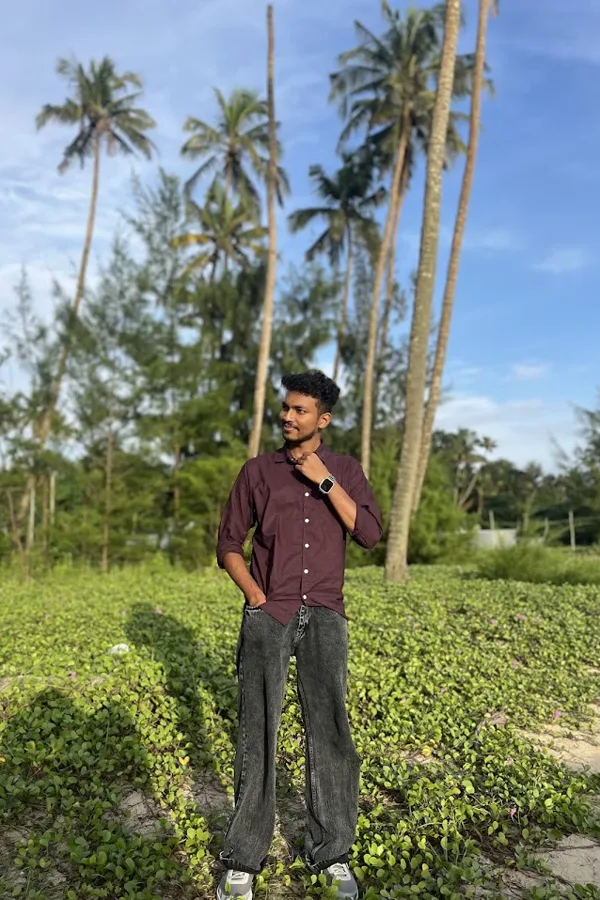
I work with founders, studios, and growing teams who value clarity, structure, and thoughtful digital design.
Both. I collaborate with early-stage startups as well as established teams, adapting my process to fit each stage.
Yes. I often refine, extend, or rebuild existing brands and digital systems while respecting what already works.
You’ll be involved at key stages through clear check-ins and reviews, without unnecessary meetings or back-and-forth.
A clear brief, goals, and timelines are enough to begin. I help shape the rest as the project progresses.